ZamZam Specials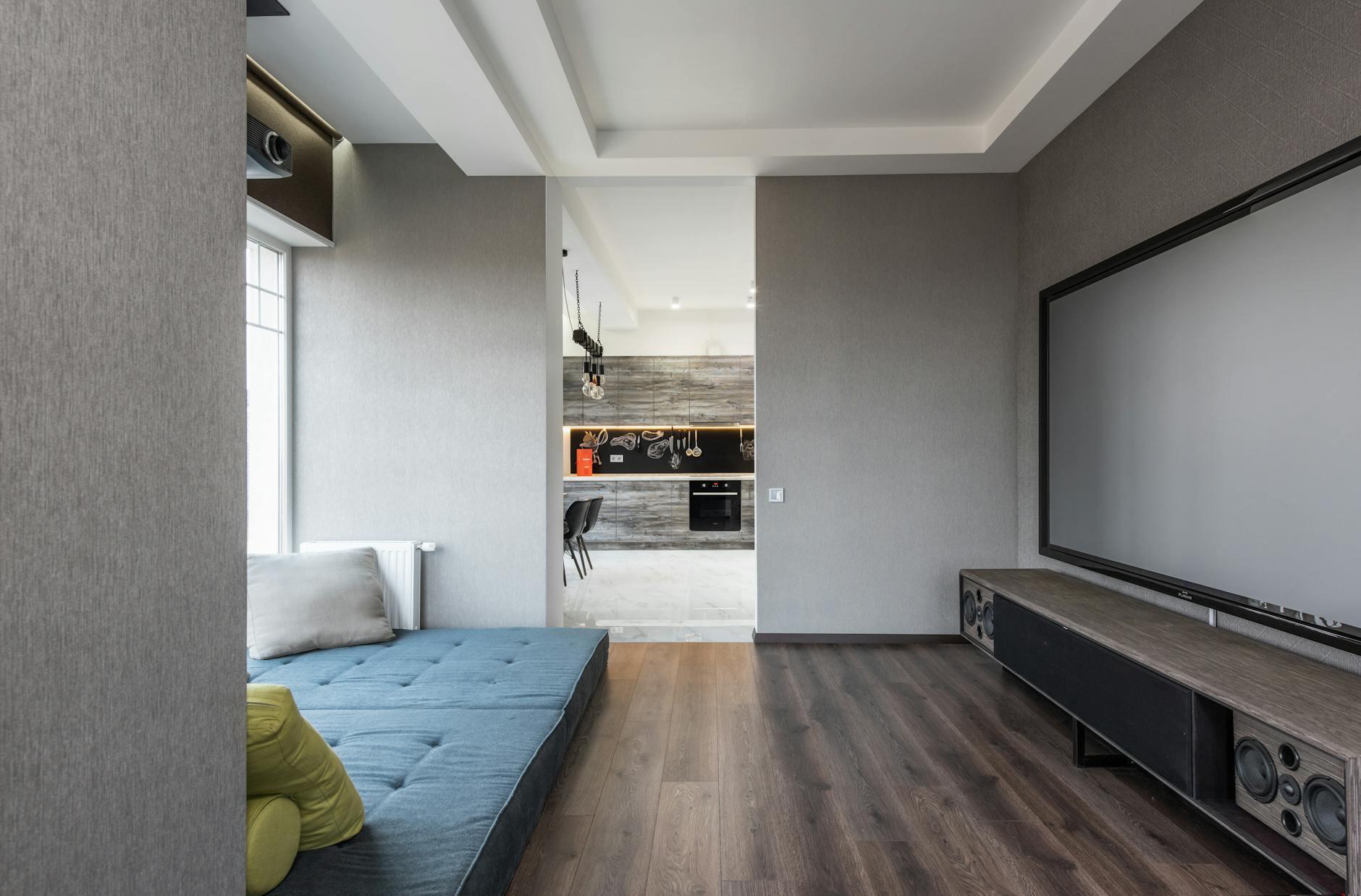
Why Choose a Ceiling Projector Mount?
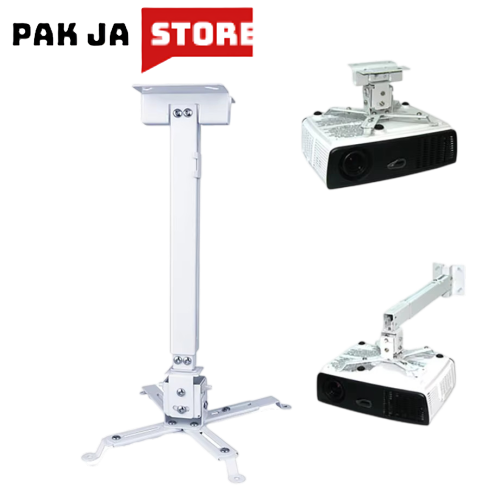
Setting up a projector isn’t just about the device itself—it’s also about how you position it. Ceiling projector mounts are a game-changer for anyone looking to create a seamless, clutter-free setup. Whether you’re transforming your living room into a home theater, setting up a classroom, or optimizing an office presentation space, a ceiling mount keeps your projector out of the way while ensuring the best possible viewing angle.
Unlike wall mounts or table setups, ceiling mounts free up floor space and reduce cable clutter. They also allow for better heat dissipation, which is crucial for long-term projector performance. Plus, with adjustable options, you can fine-tune the projection angle and distance for the perfect image quality.
Ceiling Mount vs. Wall Mount: What’s the Difference?
Deciding between a ceiling mount and a wall mount depends on your space and needs. Here’s a quick comparison:
- Ceiling Mounts: Ideal for large rooms where you want the projector hidden from view. They’re great for home theaters, conference rooms, or classrooms where the projector isn’t part of the decor.
- Wall Mounts: Better for smaller spaces or when you want the projector visible (like in a gaming setup). They’re easier to install and adjust on the fly.
- Adjustability: Ceiling mounts often come with tilt mechanisms or even full-motion arms for precise positioning, while wall mounts may offer limited tilt options.
- Installation: Ceiling mounts require more planning (stud finders, ceiling anchors) but provide a permanent, professional look.
If you’re unsure, consider your room’s layout and how often you’ll need to adjust the projector. For most home theaters or fixed setups, a ceiling mount is the way to go.
Top Features to Look for in a Ceiling Projector Mount
Not all ceiling mounts are created equal. Here are the key features to prioritize when shopping for the best fit:
- Weight Capacity: Ensure the mount supports your projector’s weight. Most mounts list a range (e.g., 43cm–65cm for projectors like the TD98 or Q11). For heavier models, opt for a universal adjustable mount.
- Adjustability: Look for mounts with tilt, swivel, or even dual-arm adjustments to fine-tune the projection angle without moving the projector.
- Material & Durability: Steel mounts with reinforced brackets offer the best stability. Avoid flimsy plastic options, especially for ceiling installations.
- Easy Installation: Some mounts come with detailed instructions or even pre-drilled templates. If you’re not handy, choose a mount with clear guidance or consider professional installation.
- Cable Management: Built-in cable channels or clips help keep wires organized and reduce fire hazards.
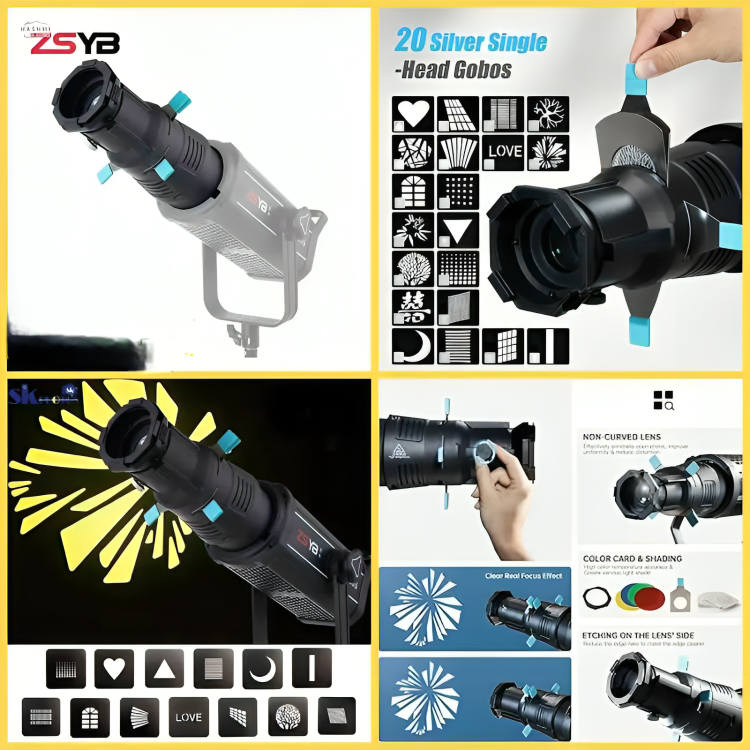
Pro tip: If you’re using a spotlight projector like the ZSYB YG-90, check if the mount includes a Bowens mount for better focus and reflector alignment.
Best Ceiling Projector Mounts Available in Pakistan
Pakistan’s online marketplaces offer a variety of ceiling projector mounts to suit different budgets and needs. Here are some top options to explore:
- Universal Adjustable Mount: Perfect for projectors like the TD98 or Q11, this adjustable mount supports weights up to 65cm and includes tilt/swivel features for easy setup.
- Spotlight Projector Mounts: If you’re using a spotlight projector, look for mounts with a Bowens mount, like the one paired with the ZSYB YG-90. These ensure optimal lens alignment and focus.
- Heavy-Duty Ceiling Mounts: For larger projectors or commercial use, opt for mounts with reinforced steel brackets. These are often sold separately and require professional installation.
- Budget-Friendly Options: Basic ceiling mounts with minimal adjustability are available for smaller projectors. Check the weight limit to ensure compatibility.
Browse our ceiling projector mounts collection to find the perfect match for your setup. Don’t forget to check the product descriptions for compatibility with your projector model.
Installing Your Ceiling Projector Mount: Step-by-Step Tips
Installing a ceiling projector mount can seem daunting, but with the right tools and patience, it’s manageable. Here’s a simplified guide to get you started:
- Plan Your Layout: Measure the distance from the ceiling to your screen and the ideal projection angle. Use a laser level to mark the spot where the mount will go.
- Find Ceiling Joists: Use a stud finder to locate ceiling joists or install toggle bolts in drywall for added support. Avoid mounting directly into hollow spaces.
- Assemble the Mount: Follow the manufacturer’s instructions to attach the mounting bracket to the ceiling. Most mounts include screws and anchors—ensure they’re securely tightened.
- Attach the Projector: Once the bracket is in place, carefully lift the projector into position and secure it to the mount. Double-check all bolts and connections.
- Test the Adjustments: Use the tilt or swivel features to fine-tune the projector’s angle. Adjust until the image is centered and clear on your screen.
- Manage Cables: Use cable clips or channels to route power and HDMI cables neatly along the wall or ceiling.
If you’re unsure about any step, consult a professional electrician or handyman. Safety first—never overload circuits or use improper mounting hardware.
For additional tips on setting up your home theater, check out our guide on optimizing your space.
Maintaining Your Ceiling Projector Mount for Longevity
A well-maintained projector mount ensures your setup stays secure and functional for years. Here’s how to keep it in top shape:
- Regular Inspections: Check the mount every few months for loose screws or signs of wear. Tighten any bolts that may have come loose due to vibrations.
- Dust & Cleanliness: Dust can accumulate on the mount, especially in ceiling installations. Use a microfiber cloth to gently wipe down the bracket and surrounding area.
- Avoid Overloading: Never exceed the mount’s weight capacity. Adding extra weight (like a lens hood) can strain the bracket over time.
- Check for Vibrations: If your projector vibrates excessively, it could loosen the mount. Use anti-vibration pads or reposition the projector slightly.
- Update Firmware/Software: While this applies more to smart projectors, keeping your device’s software up to date can also prevent compatibility issues with the mount.
For more tips on maintaining your tech gadgets, explore our articles on long-term care.
Where to Buy Ceiling Projector Mounts in Pakistan
Shopping for a ceiling projector mount online in Pakistan is easier than ever. Here’s what to look for when choosing a platform:
- Trusted Sellers: Opt for platforms with verified reviews and return policies, like ZamZam Specials. Our mounts come with clear installation guides and customer support.
- Cash on Delivery: Many mounts qualify for cash on delivery nationwide, so you can inspect the product before paying.
- Compatibility Checks: Always verify the mount’s weight capacity and adjustability features match your projector. Refer to the product specs or contact our support team for help.
- Shipping & Returns: Check the returns policy in case the mount doesn’t fit or arrives damaged. We offer hassle-free returns within 14 days.
Browse our wide selection of projector accessories and use the filter options to narrow down by weight capacity, brand, or price. If you’re unsure about a product, track your order with our order tracking tool for real-time updates.