ZamZam Specials
Why a Full Motion Single Arm Can Change Your Setup
Whether you're setting up a home office, a photography studio, or a gaming station, a full motion single arm offers unmatched flexibility. Unlike fixed stands or basic arms, these devices allow you to tilt, swivel, and adjust your monitor, lights, or other equipment with ease. But with so many options available, how do you ensure you’re choosing the right one? Let’s break it down.
Key Features to Look For
Not all full motion single arms are created equal. Here are the essential features to consider before making a purchase:
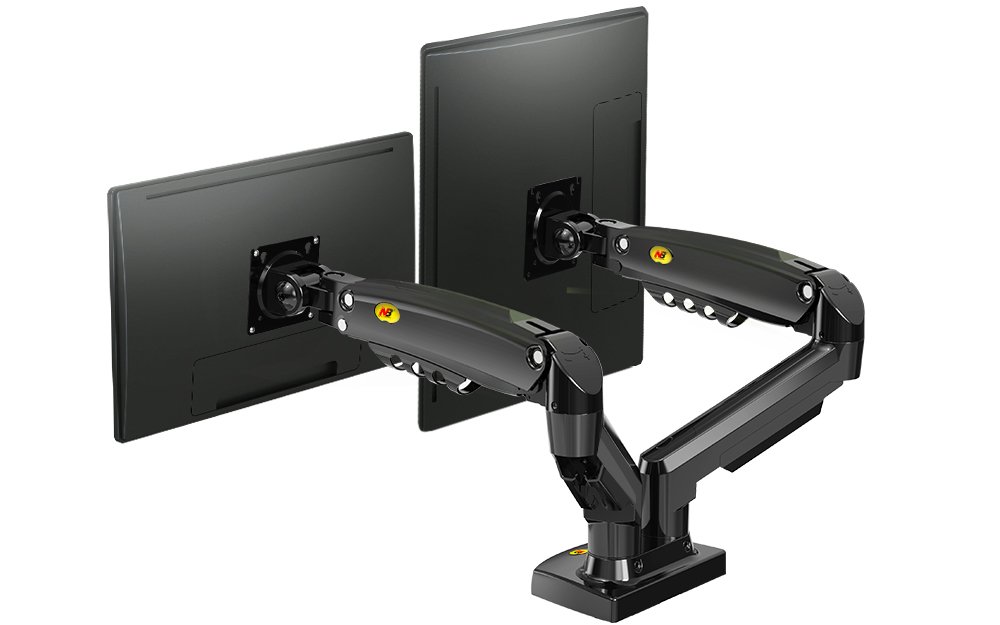
- Load Capacity: Ensure the arm supports the weight of your monitor, light, or other equipment. For example, a dual monitor setup might require an arm with a load capacity of at least 9kg, like the S400 Dual Monitor Stand.
- Adjustability: Look for arms that offer full motion—tilt, swivel, and sometimes even height adjustment. This ensures you can position your equipment exactly where you need it.
- Compatibility: Check if the arm is compatible with your device’s VESA mount. Most monitors and lights use standard VESA sizes (e.g., 75x75mm or 100x100mm), but it’s always good to verify.
- Stability: A sturdy base or wall mount is crucial, especially for heavier setups. Some arms come with gas springs or counterbalances to make adjustments smoother.
- Material and Build: High-quality materials like steel or aluminum ensure durability. Avoid flimsy plastic arms that may wobble or break over time.
Single Arm vs. Double Arm: Which Do You Need?
If you’re working with multiple screens or lights, you might wonder whether a single arm or a double arm mount is better. Here’s how to decide:
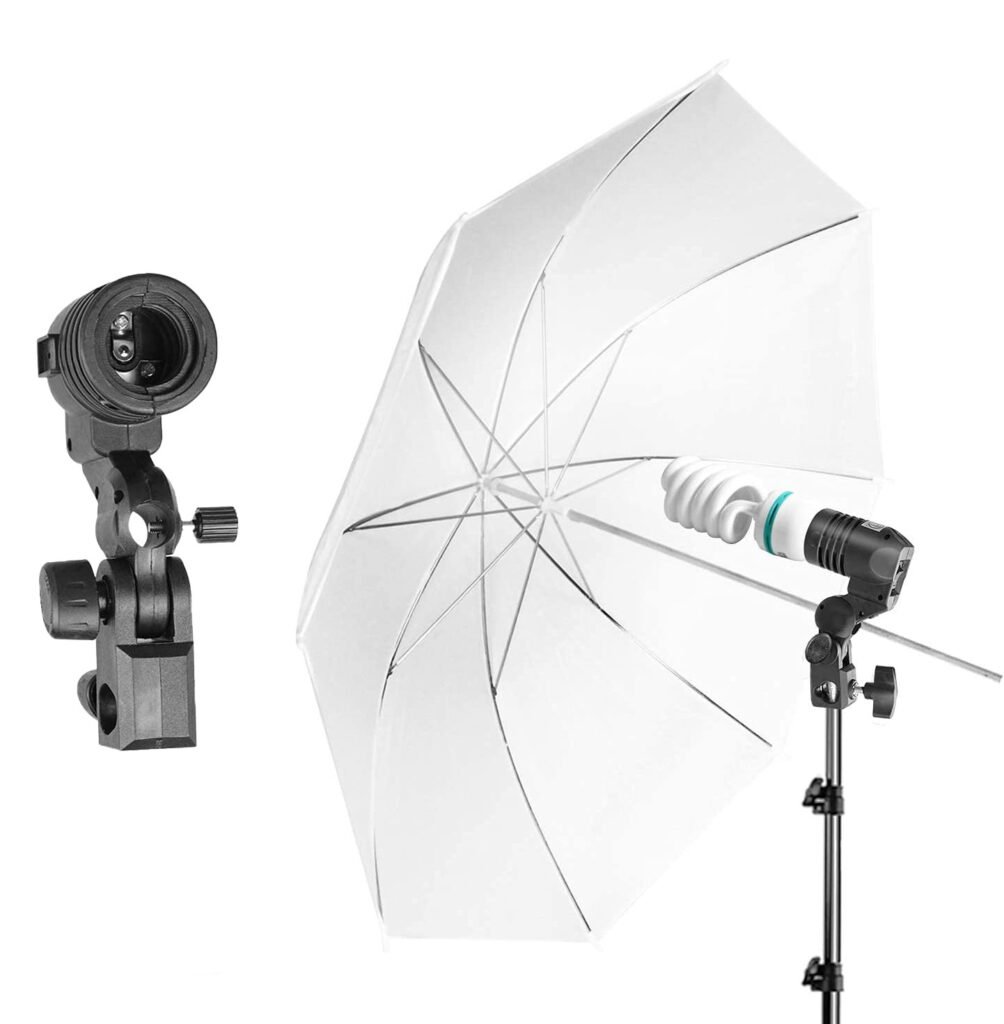
- Single Arm: Ideal for one monitor, light, or small device. Perfect for photographers using a single light umbrella like the Photography Lighting Umbrella or a single-screen setup.
- Double Arm: Better for dual monitors, multiple lights, or larger setups. If you’re expanding your workspace, a double arm offers more flexibility without clutter.
For most home users or small studios, a single arm strikes the perfect balance between simplicity and functionality.
Best Uses for a Full Motion Single Arm
A full motion single arm isn’t just for monitors—it’s a versatile tool for various needs. Here are some popular use cases:
- Home Office: Adjust your monitor to the perfect height and angle for ergonomic comfort. Pair it with a massager on the same arm for a multi-functional workspace.
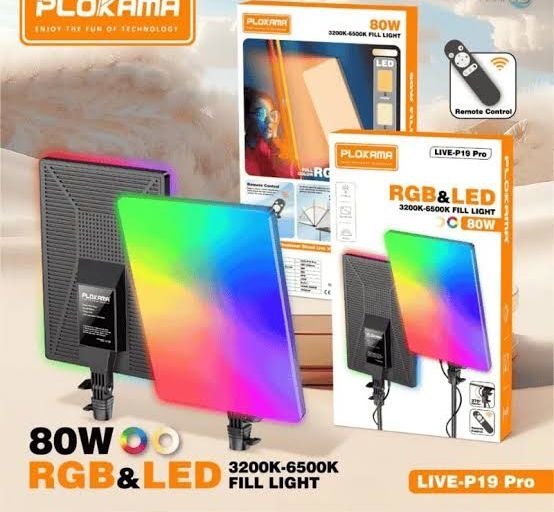
- Photography and Videography: Mount a light umbrella like the Plokama Live-P19 Pro or an RGB panel for dynamic lighting setups. The adjustability lets you direct light exactly where you need it.
- Gaming and Entertainment: Position your gaming monitor at the ideal angle to reduce neck strain. Some arms even support TVs for a multi-screen experience.
- Creative Projects: Use it to hold a tablet, sketchpad, or even a small printer for easy access while working.
How to Avoid Common Mistakes
Choosing the wrong arm can lead to frustration—here’s how to steer clear of common pitfalls:
- Ignoring Load Limits: Exceeding the weight capacity can cause the arm to fail. Always check the specs and add a safety buffer (e.g., if your monitor is 8kg, choose an arm rated for at least 10kg).
- Skipping Stability Checks: A wobbly arm is a productivity killer. Look for arms with a wide base or secure wall mounts. For desk setups, ensure your desk can support the arm’s weight.
- Overlooking Adjustability Needs: Not all arms offer the same range of motion. If you need to tilt your monitor significantly, opt for an arm with a wide tilt range (e.g., -5° to 90°).
- Buying Without Compatibility in Mind: Double-check VESA sizes and mounting threads. Some arms require additional brackets, which may not be included.
- Neglecting Brand Reputation: Stick to reputable brands or read reviews from Pakistani users. ZamZam Specials, for example, offers a wide range of verified products with customer feedback to help you decide.
Final Tips for a Smooth Purchase
Ready to buy? Here’s a quick checklist to ensure you’re making the right choice:
- Determine your primary use (monitor, light, tablet, etc.) and pick an arm designed for that purpose.
- Measure your device’s VESA mount and confirm compatibility with the arm’s specifications.
- Check the load capacity—aim for at least 20-30% more than your device’s weight.
- Read customer reviews on ZamZam Specials to see how others rate the arm’s stability and ease of use.
- Consider delivery options. ZamZam Specials offers nationwide cash on delivery and easy order tracking.
- If you’re unsure, start with a mid-range arm. You can always upgrade later if your needs grow.
For more shopping tips, check out our guides on choosing home essentials or selecting tech gadgets.